I like navigating with OsmAnd+ (bought the Pro version). The app offers different profiles (which can be adjusted to my needs) for walking, running, cycling, or driving.
For quite a while now, the speech announcements are really fast. About 2x speed, or so. Not too fast for me, I’m listening to podcasts at that speed. But for people with me in the car, when I’m driving. Couldn’t really figure out what is going on, and I couldn’t find a setting in OsmAnd+ either.
So I went digging deeper, and found the culprit in the Android settings.
Text-to-Speech
Android devices have a Text-to-Speech functionality, and different providers can plug in to take over that task. The settings have a number of configuration options, and one of these options is “Speech rate”, which defines how fast the text is spoken.
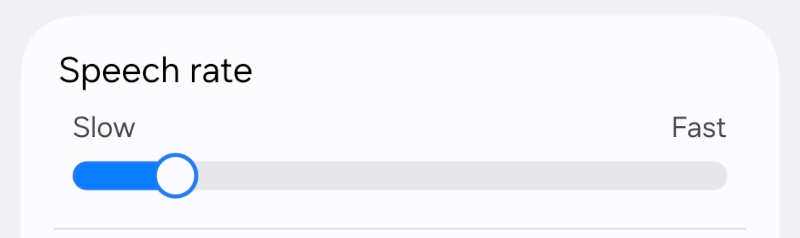
In my case, this setting was set to speed “8” or “9” (counted from the “slow” setting). There is no legend, but it was about 2x the normal speed when someone is speaking.
Adjusted it to “4” and now it’s fine for everyone.
How to find the Text-to-Speech settings
In my case, a Samsung Galaxy phone, there are two obvious ways:
Walk through the menu
- Go to “Settings”

- Find “Accessibility”
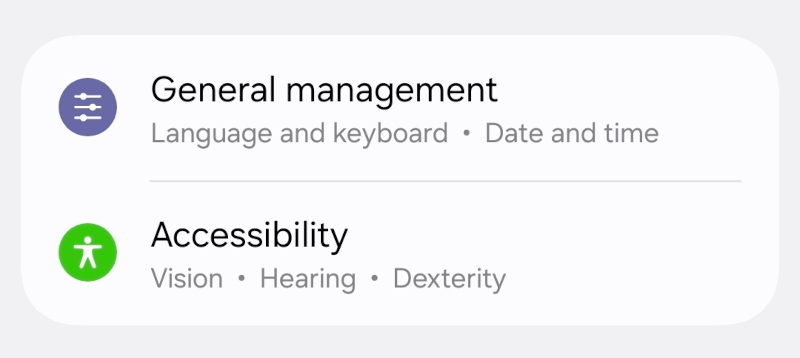
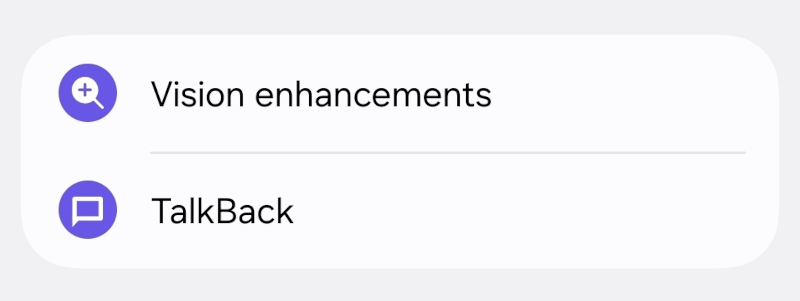
- Click on “TalkBack”
- Click on “Settings”
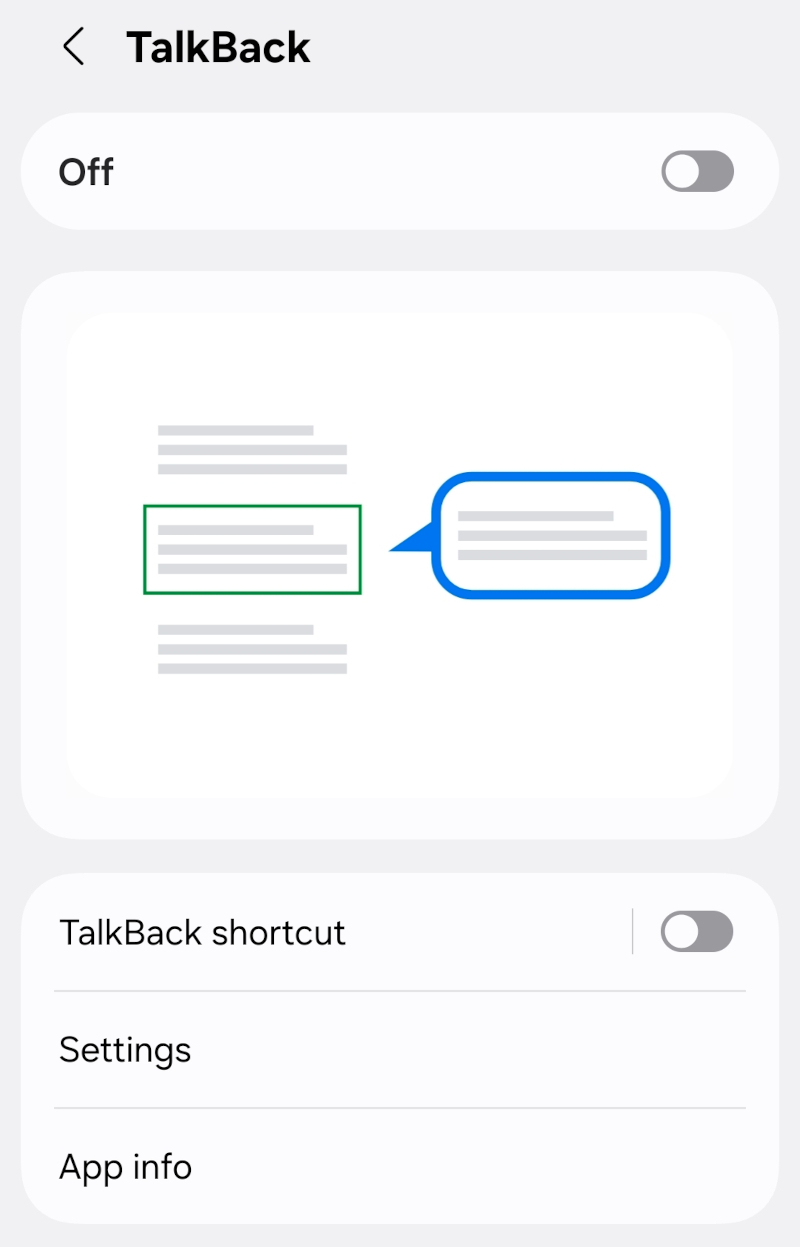
- Click on “Text-to-Speech”

- Change the “Speech rate”

Use the search function
- Go to “Settings”
- Click on the magnifying glass 🔍 and enter “text-to-speech”
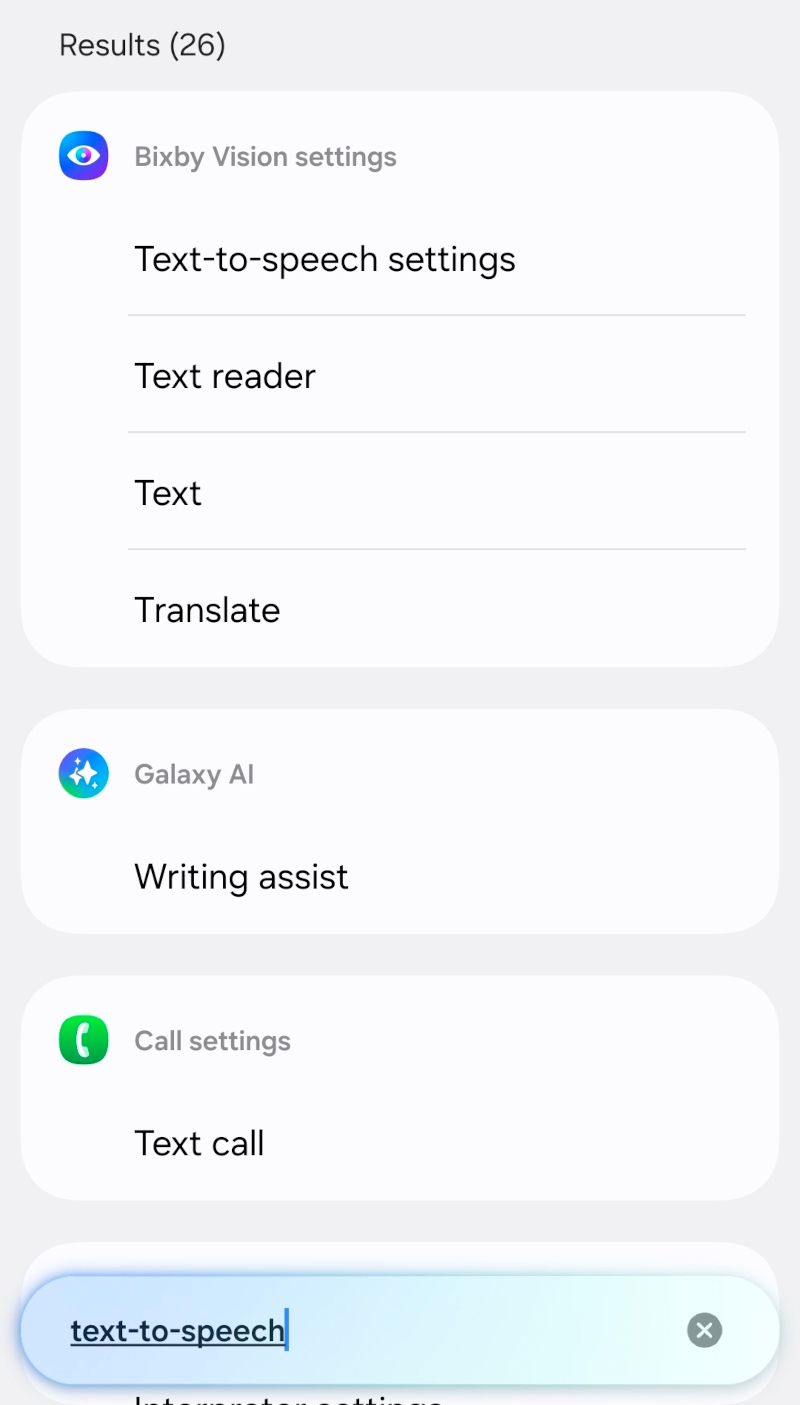
- Click on “Text-to-Speech Settings”
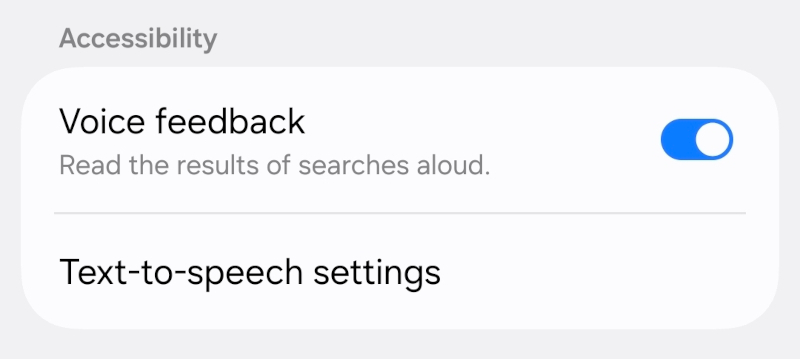
- Change the “Speech rate”
Summary
Speed for spoken announcements on Android have a configurable speed.
This is not an per-app setting, but a global setting in Android.
I suspect (but have no proof) that either using Podcast Addict or using AntennaPod to listen to Podcasts changed this setting at some point. Listening to podcast is the only time where I use my device at 2 speed.
Comments
With an account on the Fediverse or Mastodon, you can respond to this post. Known replies are displayed below:
Note: This will load data from mastodon.social.
Learn how this is implemented here.
Share: